Quick answer
Automated trading uses software, bots or algorithms to place trades automatically based on preset rules, removing emotion and running 24/7. It ranges from simple rule-based bots to complex algorithmic strategies and expert advisors. Automation is only as good as its strategy and needs monitoring; poor logic or unexpected markets can lose money fast, so test before going live.
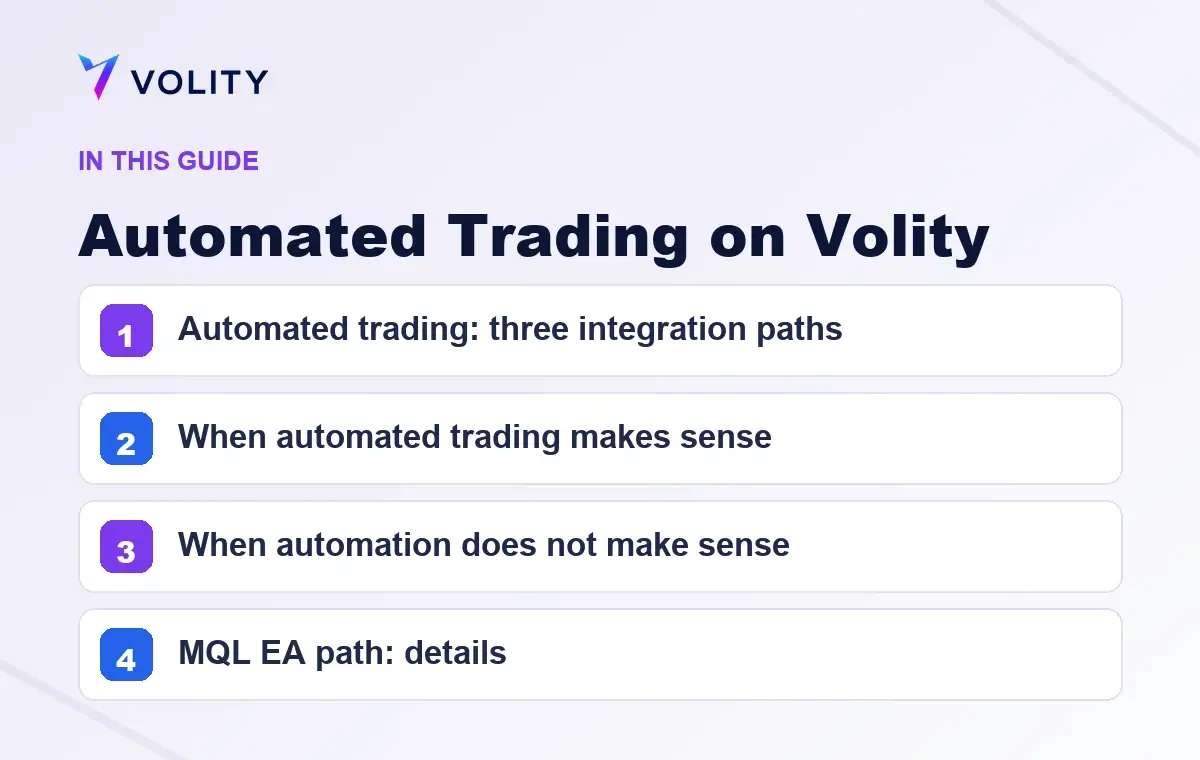
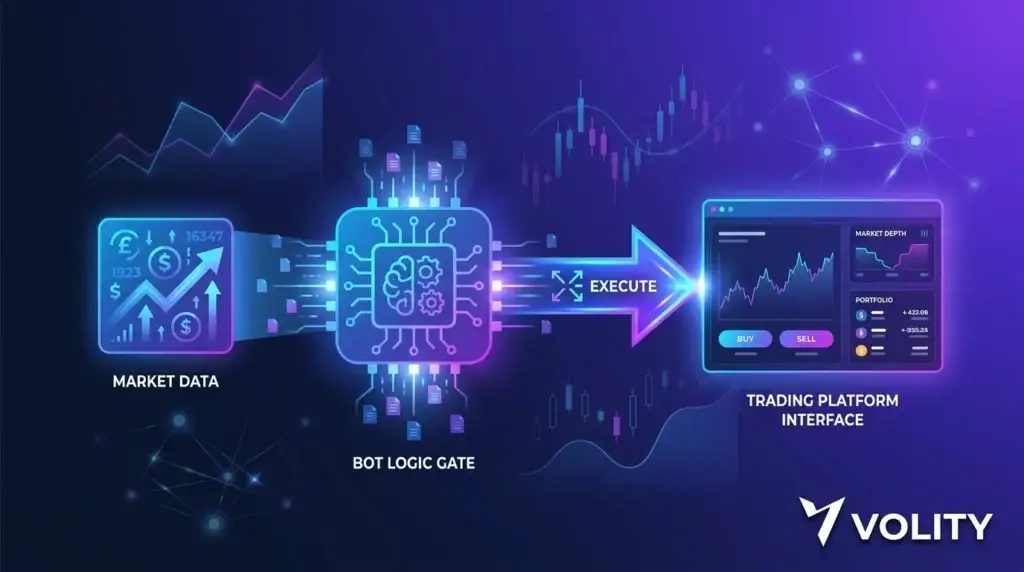
Automated trading executes pre-defined strategies without manual intervention. Volity supports automation through MQL Expert Advisors (EAs) running natively in Volity MT and through REST plus WebSocket API access for custom systems. This page covers when automation makes sense, the three integration paths, and the practical setup.
Automated trading: three integration paths
1. MQL Expert Advisors (EAs) on Volity MT. The most common retail path. Write or buy an EA in MQL4 (for MT4) or MQL5 (for MT5), install it inside Volity MT, and it executes on your account using the same engine as manual orders. The MQL marketplace has thousands of pre-built EAs. Custom EAs are widely available from developers.
2. Hosted bot platforms via API. Third-party platforms (3Commas, Cryptohopper, Coinrule) connect to Volity through API keys. The platform provides the bot UI and strategy templates; Volity provides execution. You pay the platform subscription and standard Volity trading costs.
3. Custom systems via direct API. Build your own automation in Python, Node.js, Go, or any language. REST endpoints for orders and account state; WebSocket streams for real-time data. Suits algorithmic traders with specific strategies not covered by EAs or hosted bots.
When automated trading makes sense
Three concrete use cases:
1. Time-constraint mismatch. A strategy works on 4-hour charts during US session but you have a day job during US hours. An EA can execute while you work.
2. Emotional removal. A strategy works in backtest but you cannot pull the trigger live because of fear or greed. Automation removes the discretionary step.
3. Speed-sensitive setups. A strategy needs sub-second response to specific market conditions. Manual execution cannot match; EA or API can.
When automation does not make sense
- You do not have a defined strategy. Automating a vague approach automates losing trades faster than manual would
- You want to learn discretionary trading. Watching an EA run does not build skill
- You cannot debug code. EAs and APIs require periodic maintenance; setups break when market conditions change
- You need full discretion every trade. Some strategies require human judgement that cannot be encoded
MQL EA path: details
Setup: 1. Open Volity MT (free with account) 2. Acquire an EA: pre-built from MQL marketplace ($30-$300), custom-developed ($500-$5,000), or write your own 3. Drag the EA onto a chart in Volity MT 4. Configure parameters (position size, leverage, indicators, risk limits) 5. Enable AutoTrading 6. The EA runs while Volity MT is open
24/7 operation: Volity MT must be running for the EA to execute. Options: leave a desktop running, use a VPS (third-party providers from $10-30/month), or use Volity’s cloud-hosted MT environment if available on your tier.
Languages: MQL4 for MT4 EAs, MQL5 for MT5 EAs. Both languages have 20-year ecosystems with thousands of free and paid scripts.
Limitations: EAs run inside Volity MT; they cannot trade other broker accounts or access non-Volity instruments simultaneously.
Hosted bot platform path: details
Examples: 3Commas, Cryptohopper, Coinrule.
Setup: 1. Sign up for the bot platform 2. Generate a Volity API key with trading permissions (Settings > API Access) 3. Connect the key to the bot platform 4. Configure or select a bot strategy on the platform 5. Bot executes through your Volity account
Pros: purpose-built UIs, pre-built strategy templates, cloud-hosted (no local infrastructure), strategy marketplaces with community templates.
Cons: monthly subscription ($15-$50 typical), extra counterparty (the bot platform), slightly higher latency due to extra API hop.
Direct API path: details
For traders building their own automation:
REST endpoints: – GET /account, balance, equity, margin – GET /positions, open positions – GET /orders, open and pending orders – POST /orders, place market, limit, stop, OCO – PUT /orders/{id}, modify – DELETE /orders/{id}, cancel
WebSocket channels: – quotes:{symbol}, real-time bid/ask – account, your account updates – orders, your order events
Authentication: API key from account portal. IP allowlist, permission scope (read/trade/withdraw), and sandbox/live toggle per key.
Rate limits: 60 req/min REST and 5 WebSocket connections on Standard; 600 req/min and 25 connections on VIP.
See crypto trading API guide for code samples and detailed endpoint docs.
Risk in automated trading
- Strategy failure during deployment. A backtested strategy can fail in live conditions for many reasons (slippage, data quality, market regime change). Start with small position size and monitor
- Code bugs. Custom code has bugs. Test on demo for 30+ days before live
- Infrastructure failures. EA disconnects, VPS reboots, API rate limits hit. Have monitoring and alerts
- Over-leverage. Automated systems can place rapid orders. Without position-size caps, leverage can stack unintentionally
- No oversight loop. Set up alerts on max drawdown, daily loss limits, and position-size breaches. Do not let the system run unmonitored
Volity’s automation-friendly infrastructure
- 99.6% sub-1s fills (same as manual)
- 0% order rejection rate
- No requotes
- VPS-style cloud-hosted MT environments on VIP tier
- API rate limits scale with tier
- Sandbox environment for development
- Annual P&L statements for systematic strategy review
Sources
Related Volity trading tools
- Trading Tools on Volity: Overview
- Crypto Copy Trading: Mirror Vetted Traders
- Crypto Trading Signals: Curated Buy and Sell Calls
- Crypto Trading Charts: TradingView Real-Time
Frequently asked questions
What is automated trading?
Automated trading executes pre-defined strategies without manual intervention. The strategy can be a rule-based system (e.g., “buy when RSI crosses 30”), a complex algorithm, or a copy of another trader’s positions. Volity supports automation through MQL EAs and the REST/WebSocket API.
How do I set up an EA on Volity?
Open Volity MT, navigate to the Navigator panel, drag an EA onto a chart, configure parameters, enable AutoTrading. The EA runs while Volity MT is open. For 24/7 operation, use a VPS or Volity’s cloud-hosted MT environment.
What is the difference between an EA and an API bot?
An EA runs inside Volity MT in MQL4 or MQL5. An API bot runs anywhere (your server, cloud function, hosted platform) and communicates with Volity via REST/WebSocket. EAs are simpler to set up; API bots are more flexible.
Is automated trading on Volity legal?
Yes. Automated trading is permitted on Volity for all account types. High-frequency strategies are welcome; VIP tier unlocks higher API rate limits. Some strategies (latency arbitrage, market making) may require specific account configurations.
How much does automated trading on Volity cost?
The automation infrastructure (EA support, API access, WebSocket streams) is free with your Volity account. Standard trading costs apply on every automated trade (spread, swap on overnight, 1% FX). Third-party hosted bot platforms charge their own subscriptions.
Can I run a trading bot on Volity 24/7?
Yes. Three options: (1) keep Volity MT running on a desktop or local machine; (2) use a third-party VPS ($10-30/month); (3) use Volity’s cloud-hosted MT environment on VIP tier. Hosted bot platforms (3Commas, Cryptohopper) run in their own cloud and connect via API.
Are EAs profitable?
Depends on the underlying strategy. An EA that executes a profitable strategy will be profitable; an EA that executes a losing strategy will lose money systematically. The automation does not create alpha; it executes whatever rules you give it. Backtest carefully and forward-test on demo before live.