Quick answer
Trading tools are the features that help you trade smarter: copy trading to mirror experts, signals for trade ideas, automated trading and bots, and advanced charts. Used together, they speed up analysis and execution. Volity bundles copy trading, signals, automation and TradingView charts in one regulated account, so you can trade actively or passively.
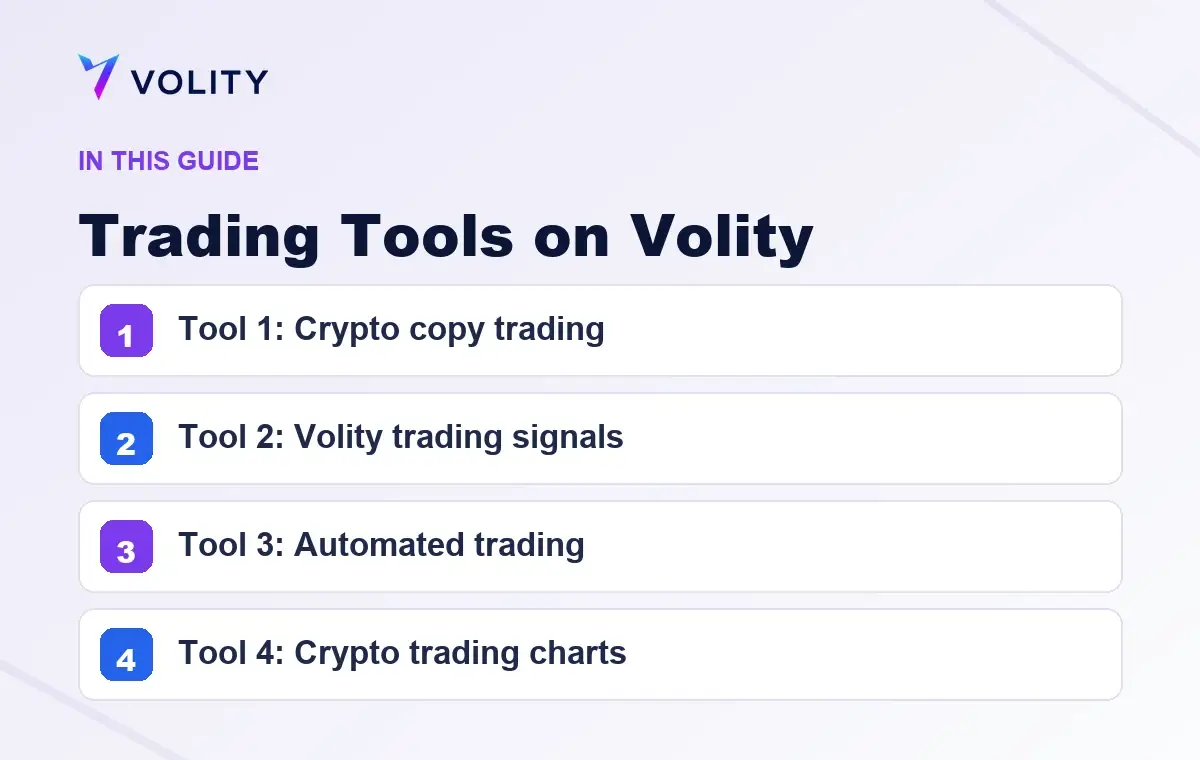
Volity trading tools fall into four categories alongside the core wallet and trading layers: copy trading to mirror vetted traders, curated signals for buy/sell calls, automated trading through MQL EAs and the API, and TradingView charting inside Volity MT. This page lists each tool, where it sits in your workflow, and how to access it.
Tool 1: Crypto copy trading
Mirror trades from vetted traders automatically. The copy-trading layer lets you select one or more traders to follow; their positions execute in your account at proportional size. Useful for traders building skills, traders short on time, or traders wanting to diversify their strategy mix.
Access: Copy Trading menu inside Volity MT or the mobile app Detail: /tools/crypto-copy-trading/
Tool 2: Volity trading signals
Curated buy/sell calls from Volity’s research desk and external signal sources. Each signal includes entry, stop-loss, take-profit, and rationale. You decide whether to execute manually or via EA automation.
Access: Signals dashboard in your Volity account Detail: /tools/trading-signals-volity/
Tool 3: Automated trading
Run pre-defined strategies through MQL Expert Advisors on Volity MT or through the REST/WebSocket API for custom systems. Volity MT supports both MT4 (MQL4) and MT5 (MQL5) EAs. Hosted bot platforms (3Commas, Cryptohopper) connect via API.
Access: Volity MT terminal, plus account portal for API key generation Detail: /tools/automated-trading/
Tool 4: Crypto trading charts
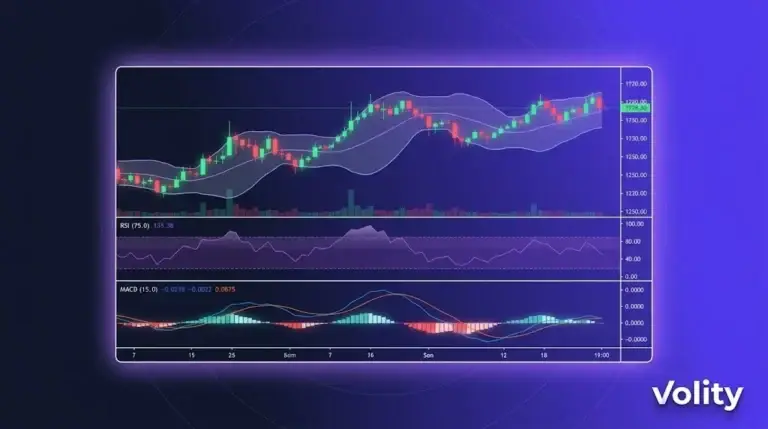
TradingView-powered charts inside Volity MT. 100+ technical indicators, custom drawing, Pine Script for custom indicators, multi-timeframe views. Charts sync across mobile, desktop, and web.
Access: Charting tab in Volity MT Detail: /tools/crypto-trading-charts/
How the tools fit together
A common workflow combining all four:
“ 1. TradingView charts identify a setup (Tool 4) 2. Volity signals confirm or contradict (Tool 2) 3. EA or API automates execution (Tool 3) 4. Or copy-trading mirrors a vetted trader's position (Tool 1) “
You can use one tool, two, or all four. Volity does not require any specific stack.
Who uses which tool
- Beginners: copy trading reduces decision burden while you learn the platform
- Active traders: signals + charts for decision support; manual execution
- Systematic traders: charts for setup design; EA or API for execution; signals as one input among many
- Time-constrained traders: copy trading or fully automated EAs that run while you work
Tool cost summary
- Copy trading: included with Volity account; standard trading costs (spread, swap) apply to copied trades
- Signals: included with Volity account; standard trading costs apply when you act on signals
- Automated trading: API included with account on Standard rate limits; VIP unlocks higher limits
- Charting: TradingView integration included; no separate subscription
All four tools are free with your Volity account. Trading costs apply only when you execute trades.
What Volity does not offer as a tool
- Self-custody wallet management: Volity is centralised. External wallet tools (Ledger, MetaMask) sit outside Volity
- DeFi protocol interactions: Volity is a regulated broker. DeFi tools (Uniswap, Aave) are separate
- Tax-filing software: Volity provides annual P&L statements. Filing tools (Koinly, CoinTracker) sit downstream
These are deliberate boundaries. Volity does its four tool categories well; complementary tools fill the rest of the workflow.
Sources
Frequently asked questions
What trading tools does Volity offer?
Four tool categories: crypto copy trading (mirror vetted traders), curated trading signals (buy/sell calls with stop-loss and take-profit), automated trading (MQL EAs on MT4/MT5 plus REST/WebSocket API), and TradingView-powered charts inside Volity MT. All included with a Volity account.
Is copy trading on Volity safe?
Copy trading carries the same market risk as manual trading. The trader you copy makes decisions; your account follows. Vet the trader’s track record, risk parameters, and drawdown history before allocating. Volity’s segregated-funds and regulated-execution model still applies to copied positions.
How do I subscribe to Volity trading signals?
Volity signals are included with your account. Access them from the Signals dashboard in the account portal. Signal types include forex, crypto, indices, and commodities. Each signal specifies entry, stop, target, and rationale.
Can I run a trading bot on Volity?
Yes. Volity MT supports MQL Expert Advisors (MT4: MQL4, MT5: MQL5) natively. For custom bots in Python, Node.js, or other languages, use the REST/WebSocket API. Hosted bot platforms (3Commas, Cryptohopper) connect via API.
Does Volity offer TradingView charts?
Yes. TradingView charting is integrated inside Volity MT with 100+ technical indicators, custom drawing tools, Pine Script support, and multi-timeframe views. Charts sync across mobile, desktop, and web interfaces.
Are the Volity tools free?
Yes. Copy trading, signals, API access, and charting are all included with a Volity account. Standard trading costs (spread, swap, 1% FX) apply when you execute trades. VIP-tier accounts unlock higher API rate limits.