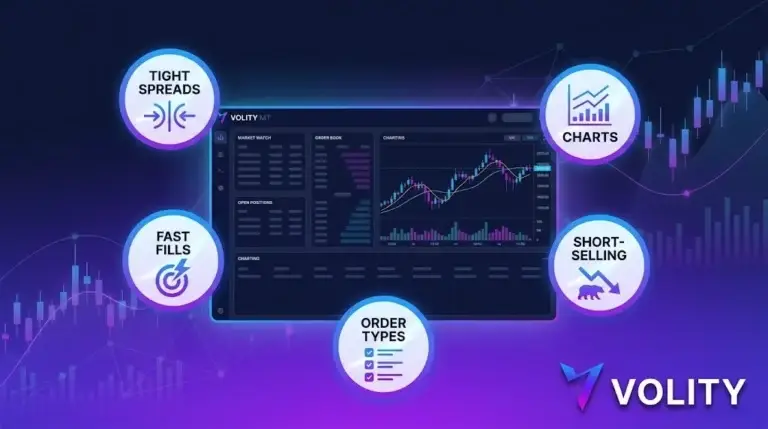
Quick answer
Crypto trading software is the platforms and tools traders use to analyze markets and execute trades, spanning charting platforms, trading terminals, bots, screeners and portfolio trackers. The right software speeds up analysis, automation and risk management, but no tool guarantees profit. Start with a reliable charting and execution platform before adding advanced automation.
The Crypto Trading Starter Kit
A plain-English PDF: what to check before you trade, how orders and risk really work, and the mistakes to skip. Get it free.
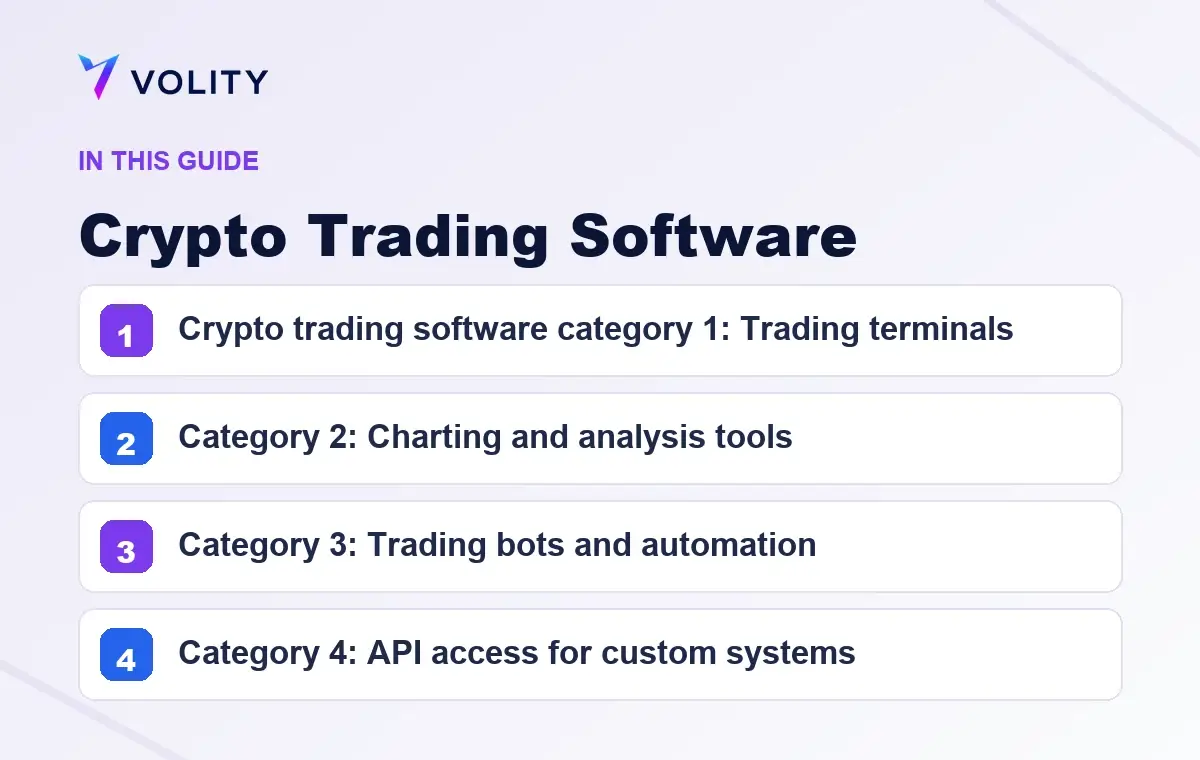
Crypto trading software splits into four overlapping categories: trading terminals, bots, charting tools, and APIs. Each does one job well. Volity MT covers the trading-terminal layer with TradingView charting built in, EA-supported automation, and REST plus WebSocket API access access. This guide compares the four categories and helps you pick what to layer.
Crypto trading software category 1: Trading terminals
A trading terminal is the software you use to place orders, manage positions, and see live prices. The terminal does the basic job of getting buy and sell orders to the market.
Examples: MetaTrader 4, MetaTrader 5, cTrader, ProRealTime, NinjaTrader, Volity MT.
What to look for in a terminal: – Execution speed: sub-1-second order fills – Order types: market, limit, stop, OCO, trailing stop – Asset coverage: crypto, forex, indices, commodities, stocks in one interface – Reliability: uptime above 99.9%, no requotes, no rejected orders
Volity MT scores: 99.6% sub-1s execution, every standard order type, 10,000+ instruments in one terminal, 0% rejection rate.
Category 2: Charting and analysis tools
Charting tools render price data, draw technical indicators, and let you do visual analysis. Some terminals have charting built in; some traders use a standalone charting tool layered on top of their terminal.
Examples: TradingView, Coinigy, Bookmap, Sierra Chart.
TradingView is the default standalone charting tool for crypto. It supports 100+ technical indicators, custom drawing, Pine Script for custom indicators, and a social-trading layer where traders share annotated charts.
Volity MT integrates TradingView charts natively. The same chart, the same indicators, the same Pine Script support, but inside the trading terminal, so the analysis-to-order workflow is one click instead of switching apps.
Category 3: Trading bots and automation
Trading bots execute pre-defined rules automatically. They open and close positions on signals from technical indicators, price levels, news events, or external feeds. Three styles dominate retail crypto:
- Grid bots: place buy and sell orders at fixed price intervals around current price
- DCA (dollar-cost averaging) bots: buy fixed amounts at fixed intervals regardless of price
- Signal-following bots: wait for a signal source (TradingView alert, custom script, third-party service) and execute on receipt
Examples: 3Commas, Cryptohopper, Pionex (built-in bots), CryptoHero.
Volity MT supports automation via Expert Advisors (EAs). EAs are scripts that run inside the terminal, watch market conditions, and place orders. The MQL4 and MQL5 languages have a 20-year ecosystem with thousands of off-the-shelf EAs and a deep community for custom builds. EAs run on Volity’s execution layer with the same 99.6% sub-1s fill rate as manual orders.
For traders who prefer a hosted bot platform, Volity’s REST/WebSocket API connects to 3Commas, Cryptohopper, and most major bot providers.
Category 4: API access for custom systems
The API category is for traders building their own software. REST and WebSocket endpoints let you query market data, place orders, manage positions, and pull historical data programmatically.
Use cases: – Algorithmic trading: strategies too complex for an EA, often run in Python – Backtesting infrastructure: pull historical tick data, run a strategy across years of history – Portfolio dashboards: aggregate positions across multiple accounts into one view – Risk monitoring: custom alerts on margin, drawdown, exposure thresholds
Volity exposes: – REST API for account, positions, and order management – WebSocket for real-time market data – API key issuance via the account portal – Sandbox / demo environment for testing without live capital – VIP tier for higher rate limits
See the crypto trading API guide for endpoint examples and code samples.
How the four categories fit together
Most retail traders use one or two categories. Active traders often layer all four:
“ Charting (TradingView) → Terminal (Volity MT) → Bot or API → Execution “
Volity MT collapses three of the four layers (terminal + charting + EA automation) into one workspace. The fourth layer (custom API) is available for traders who need more control than EAs offer.
What crypto trading software you do not need on Volity
- Wallet management software: Volity’s wallet is built in. No separate Trust Wallet, MetaMask, or Ledger setup needed for trading
- Custody software: Volity holds the trading collateral. You do not run a node
- Multi-exchange routers: Volity MT is one execution venue. Routing across multiple venues is for institutional desks
- Tax software: Volity provides annual P&L statements; specialised tax software (Koinly, CoinTracker) is for filing, not for trading
When to use external software vs Volity native
| Need | Volity native | External tool |
|---|---|---|
| Charting | TradingView in Volity MT | Standalone TradingView Pro for cross-broker analysis |
| Automated trading | EA on MT4/MT5 | 3Commas/Cryptohopper for hosted bots |
| Custom algo | REST/WebSocket API | Python + Volity API + custom backtester |
| Wallet | Volity wallet | Self-custody (Ledger, Trezor) for long-term hold |
| Tax filing | Annual statements | Koinly, CoinTracker, your accountant |
The pattern: Volity covers the trading workflow. External tools cover everything outside the trading workflow, long-term custody, tax, cross-broker portfolio aggregation.
Sources
Related Volity platforms
- Crypto Paper Trading: Practice with Real Market Data
- Crypto Trading Sites: Two Models Compared
- Crypto Trading App: Volity Mobile
- CFD Demo Account: Free Practice on Volity
- Crypto Trading Platform: full Volity MT for live markets
Frequently asked questions
What is crypto trading software?
Crypto trading software is any tool you use to trade cryptocurrencies. It includes trading terminals (Volity MT, MT4, MT5), charting tools (TradingView), bots (3Commas, Cryptohopper), and APIs (REST/WebSocket). Most retail traders use one or two; active traders layer all four.
Do I need separate software to trade crypto on Volity?
No. Volity MT bundles a trading terminal, TradingView charting, and EA-supported automation in one app. The only external software you might add is a hosted bot platform (3Commas, Cryptohopper) or a custom Python script via the API.
Can I run trading bots on Volity?
Yes. Volity MT supports Expert Advisors (EAs) on MT4 and MT5, plus REST/WebSocket API access for custom bots or third-party hosted platforms. EAs run on Volity’s execution layer with the same 99.6% sub-1s fill rate as manual orders.
Is the Volity MT software free?
Yes. Volity MT is free with your Volity account. No subscription, no premium tier. Standard trading costs (spread, swap, 1% FX) apply.
What programming languages does Volity support?
MT4 EAs are written in MQL4. MT5 EAs in MQL5. Both languages have a 20-year ecosystem and thousands of off-the-shelf scripts. For custom algos outside the terminal, the Volity API supports any language that handles HTTP REST and WebSocket connections (Python, Node.js, Go, Rust, C# are all common).
Can I backtest on Volity?
Yes. MT4 and MT5 both have built-in strategy testers for backtesting EAs against historical tick data. For Python-based backtesting, pull historical data via the API and run your tests externally. VIP-tier accounts get extended historical data access.