Investing in financial products involves risk. Losses may exceed the value of your original investment.
Quick answer
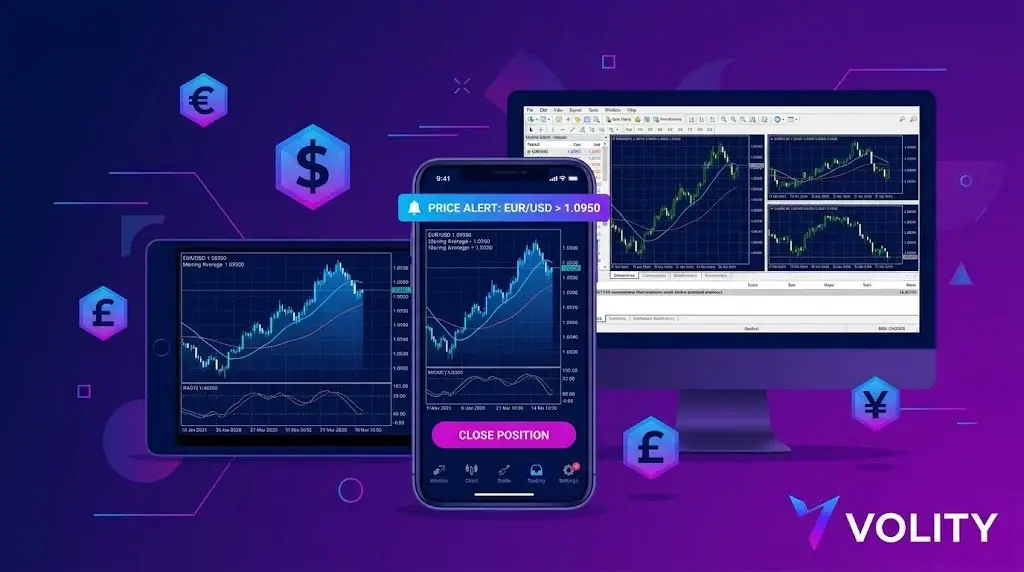
Mobile forex trading runs on MT4 and MT5 mobile apps from MetaQuotes plus broker-branded apps and TradingView mobile. Phones handle order entry, position management, basic charting, and account monitoring. Strategy backtesting, custom indicator development, and complex multi-monitor analysis remain desktop-only.
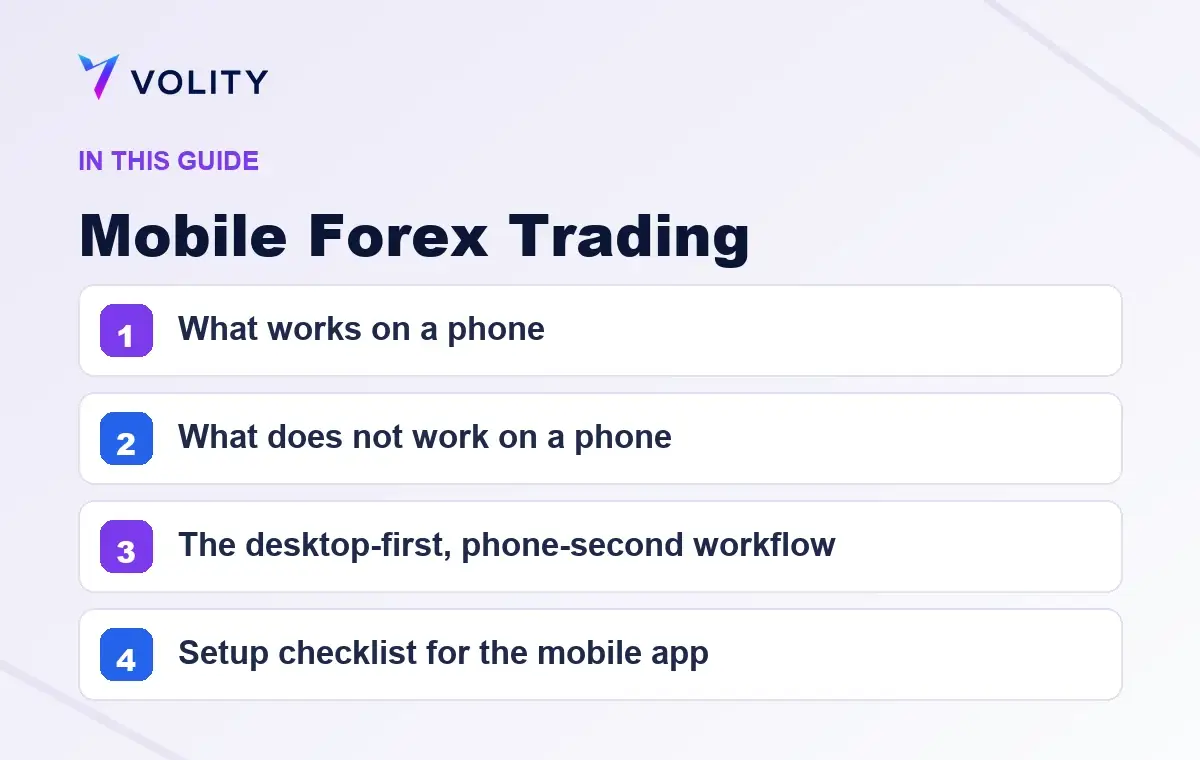
Mobile forex trading is a position-management tool, not a setup-discovery tool. The phone is excellent for closing a winning trade you set up on desktop, moving a stop, responding to a news alert, and checking equity. It is poor for analysis, rule-following, and any form of multi-monitor decision-making. Traders who treat the phone as a primary entry surface tend to overtrade and underprepare. Used as the second screen of a desktop-first workflow, the phone is the most useful tool in the stack.
What works on a phone
Five jobs the mobile app does well:
- Closing positions. One tap. Exit at market or at a specific price. Faster than booting a laptop.
- Trailing stops. Drag the stop on the chart, confirm. Useful for managing a runner during the day.
- Price alerts. Native push notifications when a level prints. The phone replaces a paid alert service.
- Equity check. Account balance, open P&L, margin level. Glance, lock, move on.
- News response. A surprise central bank statement during your commute. Close, hedge, or sit. The phone makes the response possible.
What does not work on a phone
Three jobs the phone does badly:
- Setup analysis on multiple timeframes. A 6-inch screen cannot show monthly, weekly, daily, 4-hour, and 1-hour at the same time. Skipping timeframes leads to bad entries.
- Reading complex order books and depth. The data is there; the resolution is not.
- Discretionary decisions under news pressure. The temptation to fire off a trade because the chart “looks right” on a phone is the textbook setup for a tilt entry.
The desktop-first, phone-second workflow
The pattern that works for most retail swing and intraday traders:
- Morning desktop session. 15-30 minutes. Review open positions, mark up daily and 4-hour charts, set price alerts at entry levels and key invalidation levels.
- Day on the phone. Alerts trigger. You decide on the spot whether the level prints clean or fails. If it prints clean and the alert was set for a planned entry, you take the trade on the phone with pre-calculated position size. If anything is unusual (news, gap, weird wick), you pass.
- Evening desktop close. Update journal, refine alerts, plan tomorrow.
The phone is the execution surface for plans built on desktop. It is not the planning surface.
Setup checklist for the mobile app
- Biometric login enabled. Face ID or fingerprint. Faster and more secure than typed passwords.
- Push notifications on for price alerts and order events. Off for marketing.
- Default lot size set to your standard 1% risk size for your most-traded pair. Reduces fat-finger risk.
- One-tap-close confirmation enabled. Adds a 1-second guard against accidental closes.
- Two-factor authentication on the broker account. Non-negotiable.
- App auto-lock at 60 seconds. If the phone is unattended on a desk, the app locks.
Network and data realities
The phone runs on cellular or Wi-Fi. Both can drop. Three rules:
- Server-side stops are mandatory. A trailing stop that lives only on the app is gone the moment connection drops. Set the stop on the broker server.
- Dual-rail data. If you trade size, run cellular and Wi-Fi simultaneously. iOS and Android both support Wi-Fi assist or equivalent.
- Test the close path before you need it. The first time you have to close a position from a coffee shop should not be during a flash crash.
Battery and background discipline
Push notifications require background activity. On a busy news day the trading app can drain a battery in 4-6 hours. Carry a power bank if you trade away from a charger. The cost of missing a stop because your phone died is unbounded.
What to look for in a mobile platform
- Charting depth. Custom indicators, drawing tools, multiple timeframes accessible in one tap.
- Order types parity with desktop. Stop-limit, OCO, trailing stop, all available on mobile.
- Push-notification reliability. The make-or-break feature. Test it for a week before committing.
- Cross-device sync. Watchlists, alerts, layouts that sync between desktop and mobile via the broker account, not a third-party service.
Mobile trading at Volity
Volity offers MetaTrader 4 and MetaTrader 5 mobile apps on iOS and Android, with full charting, server-side stops, biometric login, and push alerts on price levels and order events. Retail leverage on majors is capped at 1:30 (ESMA), 1:20 on non-majors. Negative balance protection applies. Execution is by UBK Markets Ltd (CySEC 186/12). Eligible retail clients are covered by the Cyprus Investor Compensation Fund up to EUR 20,000 per client per firm.
Common questions
Can I trade forex profitably on a phone alone?
Yes for swing and position styles, harder for day trading. The phone is a competent execution surface for taking pre-planned setups: open the order at the entry, set the stop, set the target, walk away. Day trading needs faster pattern recognition and multi-chart context that small screens compress. Most successful mobile-only traders work the daily and H4.
What order types are unsafe to use on mobile?
OCO (one-cancels-other) and trailing stops are unsafe on mobile when you cannot see the surrounding price action. Mobile fat-finger risk is highest on market orders and any order that closes a position at the touch (panic close). Use limit and stop-limit orders with a confirmation step. Save market-close for desktop-confirmed exits.
Which forex broker apps support full charting?
Volity's mobile apps integrate TradingView charting with multi-timeframe alerts, indicator scripts, and biometric login. The MT4 and MT5 mobile apps cover one-click execution and Expert Advisor monitoring. Apps that only show a price ticker without chart drawing tools are insufficient for active trading; treat them as monitor-only and execute from a desktop.
Volity operates a trading platform and also publishes educational and analytical content about trading. The content on this page is for educational purposes only and should not be considered financial advice. Volity may benefit commercially when readers open trading accounts through links on this site.
Our content is produced and reviewed under documented editorial standards; see our comparison and review methodology.