Investing in financial products involves risk. Losses may exceed the value of your original investment.
Quick answer
MetaTrader 5 on iOS is the official MetaQuotes app for iPhone and iPad, free from the App Store. It supports order entry, market depth, charting with most standard indicators, and account management. Strategy testing, custom Expert Advisors, and the visual strategy editor are desktop-only; iOS shows EA results read-only and cannot run new EA development.
MetaTrader 5 on iOS is the official mobile build from MetaQuotes Software Corp. It runs on iPhone and iPad, free, with the same chart engine, order types, and account access as the desktop terminal. What it does differently from desktop is constrained by Apple’s app review rules, which is why a few capabilities that exist on Windows MT5 are missing or moved on iOS. Here is the setup, the limitations, and the workarounds we run on the desk for traders who execute primarily from a phone.
Step 1: install the app
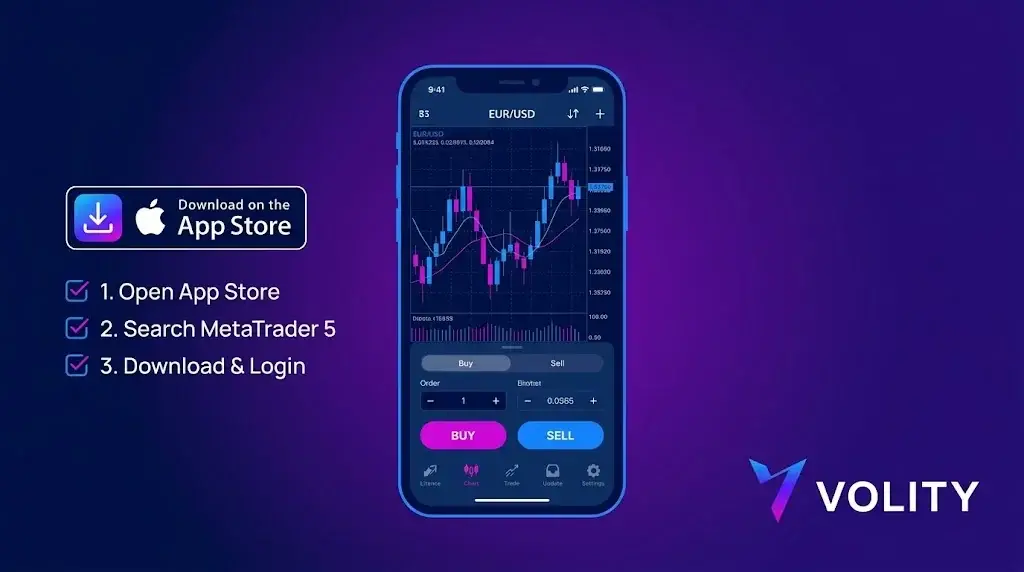
Open the App Store and search “MetaTrader 5”. The official publisher is MetaQuotes Ltd. The app is roughly 220 MB and supports iOS 13 and above. Avoid third-party clones; only the MetaQuotes build connects to live broker servers reliably and gets security updates.
Step 2: connect to your broker
Three pieces of information from your broker:
- Server name (e.g. “BrokerName-Live01” or “BrokerName-Demo”)
- Login number (numeric, assigned by the broker)
- Password
In the app: Settings, New Account, Search by broker name. The app pulls the server list from MetaQuotes’ directory. Pick the server that matches your account type. Enter login and password. Live and demo are differentiated by server, not credentials.
Step 3: configure the chart
Default timeframe is M1. Tap the timeframe label in the top bar to switch (M1, M5, M15, M30, H1, H4, D1, W1, MN). Tap the indicator icon to add: moving averages, Bollinger Bands, RSI, MACD are all native. Custom indicators developed in MQL5 do not run on iOS. This is the first major limitation.
Step 4: place an order
Tap the “+” icon top-right or the symbol on the chart. Order types available on iOS:
- Market execution
- Buy limit, sell limit
- Buy stop, sell stop
- Buy stop-limit, sell stop-limit (MT5-only, not on MT4 mobile)
Stop-loss and take-profit can be attached at order entry or modified after. One-click trading is available behind a setting; default is a confirmation dialog.
iOS-specific limitations
Three constraints to plan around:
- No expert advisor execution. EAs run only on the desktop terminal or via a VPS. The iOS app cannot host or execute MQL5 code. If your strategy depends on an EA, the iOS app is for monitoring and emergency manual intervention, not for running the strategy.
- No custom indicators. You get the built-in library (about 30 indicators). Anything community-built or proprietary will not load.
- Reduced strategy tester. The full back-tester is desktop-only. iOS is for live execution and chart analysis, not optimisation.
What works well on iOS
Three areas where mobile MT5 is genuinely strong:
- Push notifications. Price alerts, order fills, and account-level events arrive within a second on a stable connection. Configure in the app settings, then enable iOS notifications for MetaTrader 5.
- Multiple chart windows. Up to four simultaneous charts on iPad, two on iPhone in landscape. Cross-symbol monitoring without switching screens.
- Native economic calendar. The MetaQuotes-curated calendar is in the app, with country and event filters.
Workaround: running EAs while trading from iOS
The standard solution is a VPS. MetaQuotes’ built-in MetaTrader VPS runs $10-20 per month and is configured directly from the desktop terminal under Tools, Virtual Hosting. Your EA runs 24/5 on the VPS while you execute discretionary trades from the iOS app on the same account. Both terminals see the same order history; concurrent operation is supported.
Workaround: running EAs while trading from iOS
Two practical paths:
- Replicate the indicator using built-in tools where possible (most simple custom indicators are wrappers around standard ones).
- Run the indicator on the desktop terminal and use price alerts to push a signal to the iOS app via push notification.
Battery and connection management
The app polls the server every second when active. Background polling drops to lower frequency. Two practical notes:
- Wi-Fi versus cellular: cellular handover during a trade can drop the order. If you place an order on cellular, watch for the confirmation. The app re-attempts on reconnection but does not guarantee a fill at the original quote.
- Battery: an active charting session uses 8-12% per hour. Do not rely on a single device for all-day live trading.
Security checklist before you fund
- Enable Face ID or Touch ID for app access (Settings, Authorisation).
- Enable two-factor authentication on the broker’s client area.
- Verify the server you connected to matches your broker’s published server list.
- Test a withdrawal of a small amount before funding meaningfully. The withdrawal flow on most brokers happens in the client area, not the MT5 app.
MT5 on iOS at Volity
Volity supports MetaTrader 5 on iOS for clients of UBK Markets Ltd (CySEC 186/12). Setup follows the standard MetaQuotes flow above; the server name appears in your client area after KYC. Push notifications, native economic calendar, and all standard MT5 order types are available. ESMA retail leverage caps apply; negative balance protection is contractual.
Volity operates a trading platform and also publishes educational and analytical content about trading. The content on this page is for educational purposes only and should not be considered financial advice. Volity may benefit commercially when readers open trading accounts through links on this site.
Our content is produced and reviewed under documented editorial standards; see our comparison and review methodology.
Frequently asked questions
Can I run Expert Advisors on MT5 for iOS?
No. The iOS build is a trading terminal, not a development environment, so automated strategies cannot run on the device. Traders who need an EA running continuously host it on a VPS or a desktop installation and use the phone for monitoring.
Does MT5 on iOS show the same charts as desktop?
Charting is available but reduced. You get the standard timeframes and a set of built-in indicators; custom indicators installed on desktop do not sync to the phone. Treat the mobile app as a monitoring and order-management tool rather than an analysis workstation.
How do I log in to MT5 on iOS?
Search for your broker's server name inside the app, then enter the login number and password issued when the account was created. If the server does not appear, the broker will publish the exact server address; entering it manually resolves most login failures.